
This article walks through common errors and troubleshooting steps related to Clever login issues.
- District administrators: Please reference the troubleshooting checklist below before filling out a support ticket.
- Teachers: Check the common user errors before filling out a support ticket.
Troubleshooting Checklist for District Administrators
- Does the user have an active Clever account?
- Is the district/school rostered with Clever?
- Is the email field populated in Clever for the user?
- Do the users email address match what is listed in Clever?
- Are there any other users in Clever with the same email address? Their email address must be unique.
- Is the user entering the correct email address? E.g., their school-provided email address, not their personal email address
Log in to Great Minds via Clever
As your school district is utilizing Clever, users can log in with one of these methods:
- Through Clever.com
- Select your role at the top right.
- Locate your school/district.
- Sign in using Clever integration method (email or badge).
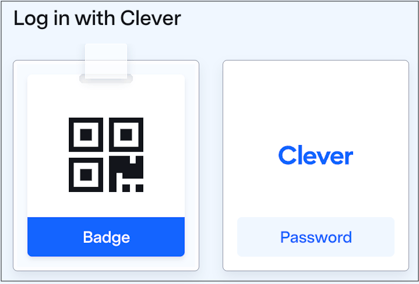
- Find and launch the Great Minds application.
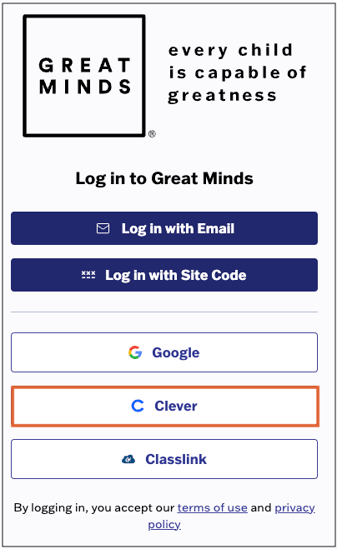
- Through digital.greatminds.org
- Select the Clever button
- Use Clever username (email) and password to login
Common User Errors
Here are the most common errors, and how to resolve them:
-
Email/Password entered is incorrect error on digital.greatminds.org
-
Use the Clever SSO button on the Great Minds login page to sign into your account.
-
-
Uh oh! Your district is not yet set up!
-
This is a Clever related issue that must be resolved by your district admin or a Clever Support member. You should have access if you log in via the Clever Portal.
-
-
Email/Password entered is incorrect error on Clever.com
-
Use the Forgot Password button in the Clever portal and/or reach out to your district admin to resolve this issue.
-
-
I don’t see the Great Minds App when I launch my Clever Portal
-
Check with your district admin to make sure your school has been rostered with Clever and that your account has been rostered correctly.
-
-
Clever 401 Errors
-
Please submit a support ticket and request a resync from the Great Minds team.
-
-
No valid licenses error for students
-
Submit a support ticket so the Great Minds team to investigate the error
-