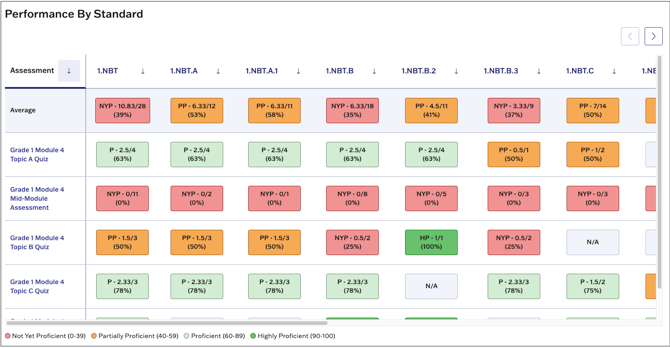
The student report contains all assessment data for an individual student.
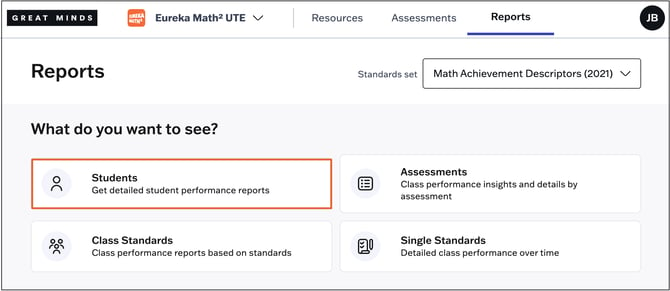
1. Select Reports from the main menu.
2. Select Students from the Reports page.
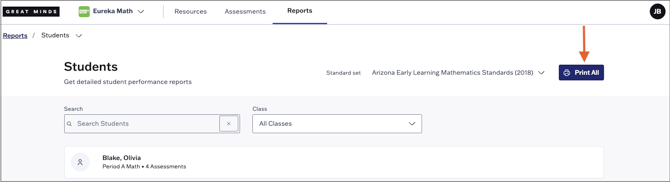
3. On the next page, you can filter your student list by class or search for a specific student using the search bar. Select a student's name from the list to access their individual report.

4. Use the Print All option at the top right to print student reports in bulk. To print reports for a specific class or student, first apply the desired page filter. If no filter is applied, reports will print for all students across all your class sections.
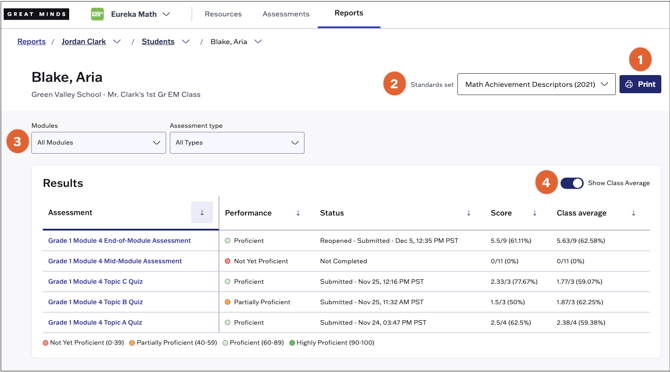
From the student's report, you can do the following:
- Print the report using the Print option at the top right.
- Change the selected Standard set using the drop-down.
- Filter the report by module or assessment type
- Toggle Show Class Average on or off to show or hide the class average on each assessment listed, respectively
The bottom portion of the report shows a breakdown of the student's performance on assessed standards.