Administrators can drill down into class-level reports for any teacher in their organization.
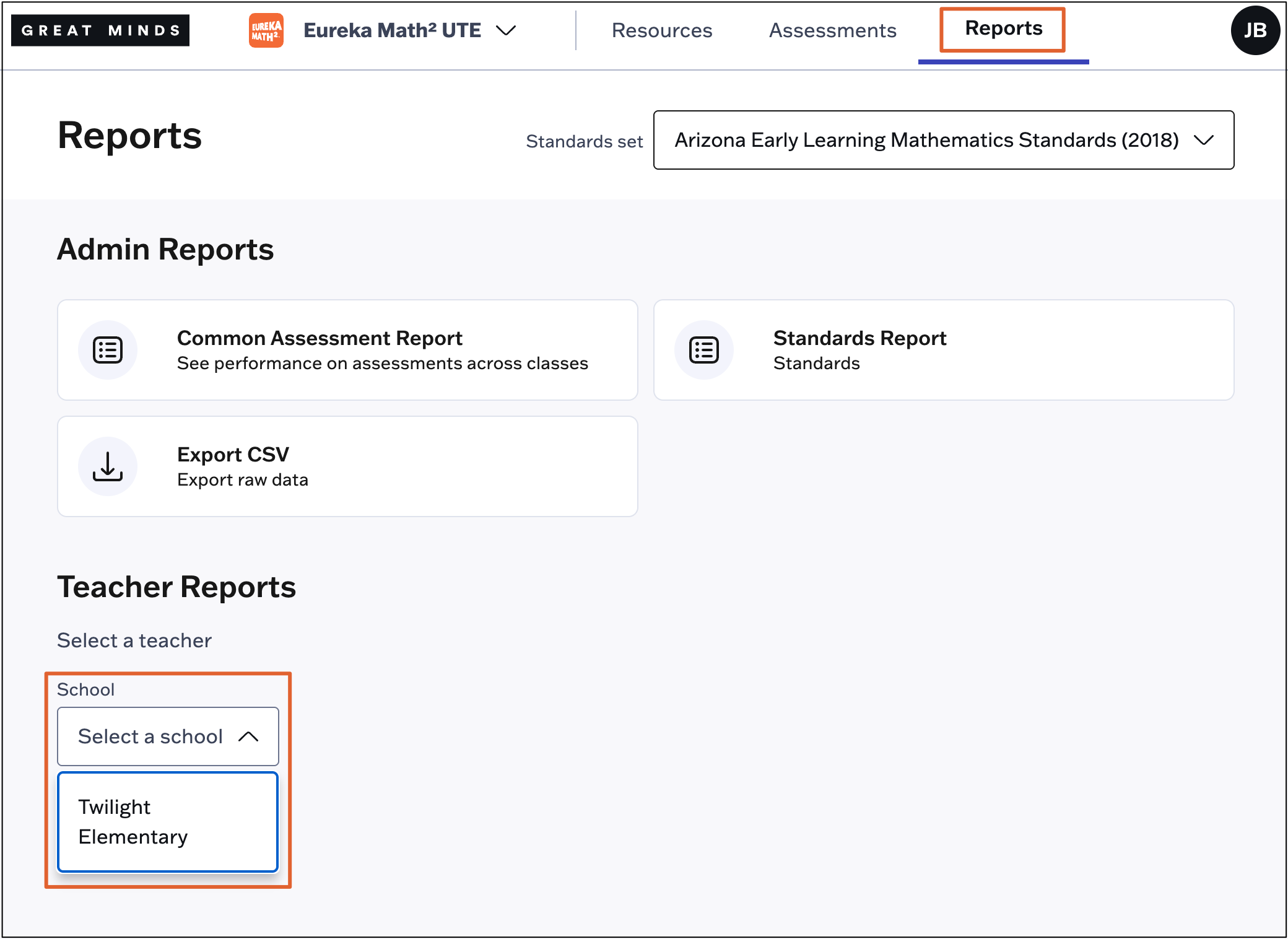
1. Select Reports from the main menu.
2. Under Teacher Reports, select a School from the drop-down menu (if applicable).
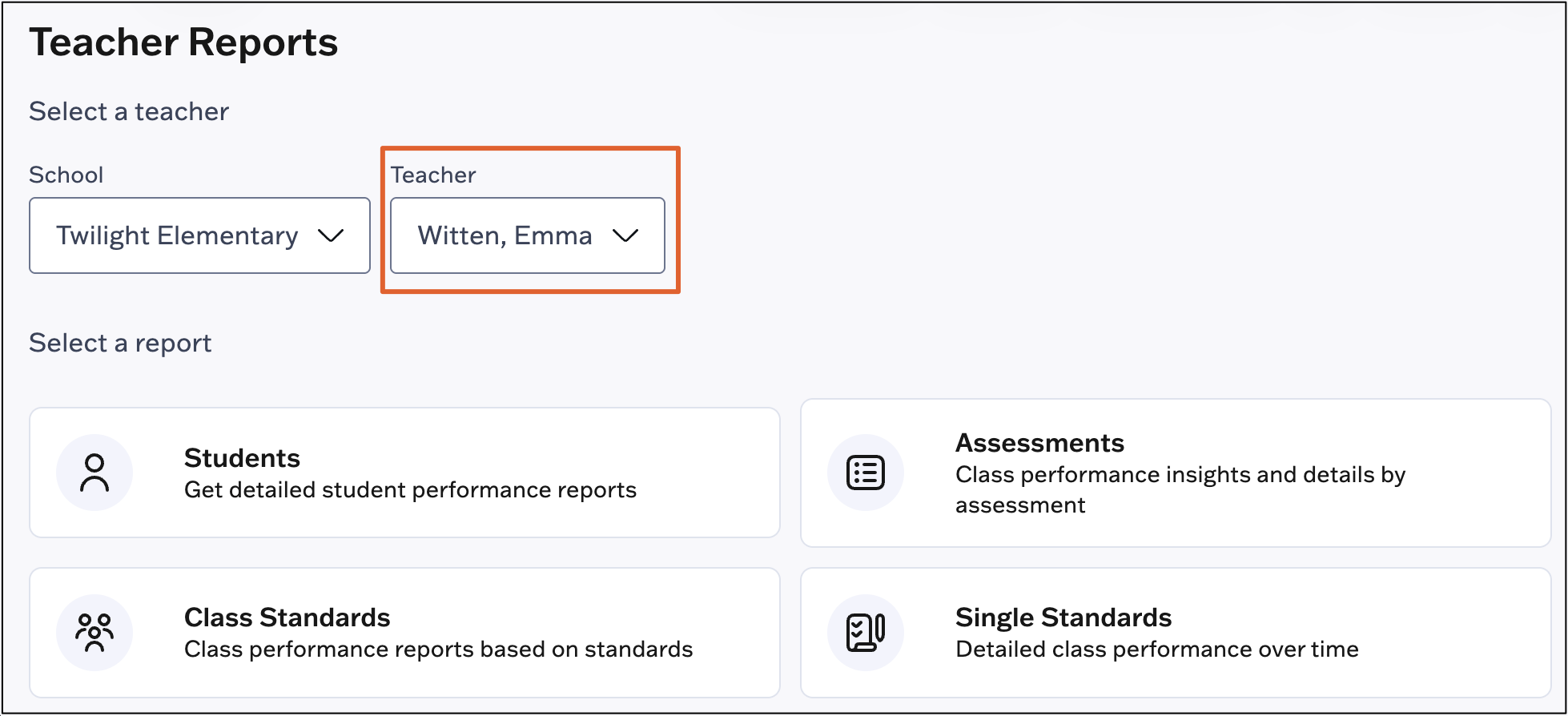
3. Select a Teacher within the selected school.
4. Select the type of report you wish to view:
- The Student report contains all assessment data for an individual student.
- The Assessment report contains overall insights into how the class performed on an assessment, how class performance was distributed across proficiency bands, item analysis, and standards performance.
-
The Class Standards report shows how each student performed on all standards assessed in the class. Standards performance data is based on students' raw assessment scores.
- The Single Standards report shows how each student performed on specific standards assessed in the class.