
Great Minds supports four user roles:
- Student
- Teacher
- School Administrator
- District Administrator
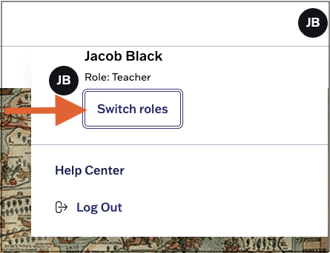
You can review the roles assigned to your account by clicking your initials at the top right and selecting Switch Roles. See Toggle Between Roles for more information.
Administrators and teachers have access to different types of data and content for all Great Minds® digital products. The chart below clarifies the types of data and content that each user role has access to, and also specifies which class and content management tasks that teachers and administrators can perform.
User roles are assigned through your district's rostering method. See the resources linked below for more information on assigning roles for your rostering method:
⚠️ User roles, including the permissions, features, and data accessible to each role, cannot be customized.
Students |
Teachers |
School Admins |
District Admins |
|
|---|---|---|---|---|
| Assign assessments | X | |||
| Complete assessments | X | |||
| Complete assignments | X | |||
| Create assignments | X | |||
| Customize assessments* | X | X | X | |
| Review scores and teacher feedback | X | |||
| Share custom assessments* | X | X | ||
| View admin reports for assigned school(s) | X | |||
| View admin reports for entire district | X | |||
| View class reports | X | X | X | |
| View curriculum content | X | X | X | |
| View district rostering data | X | |||
| View school rostering data | X |
*The ability to customize assessments varies across Great Minds curricula.