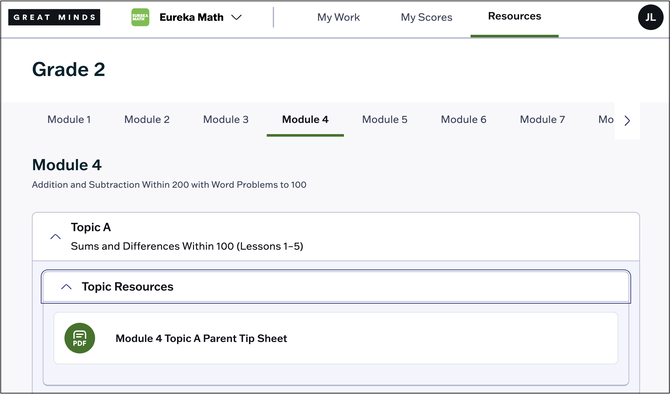
Resources mentioned in the video:
Complete Assignments
Complete Assessments
The Great Minds student experience contains three main sections:
Toggle Between Subjects
Students with access to multiple Great Minds curricula can toggle between subjects using the drop-down on the top navigation bar.

My Work
In My Work, students can access assessments and assignments they have not yet started or that are still in-progress. In-progress assignments are indicated by a "Started" label. Students can click the assignment card to begin working on it.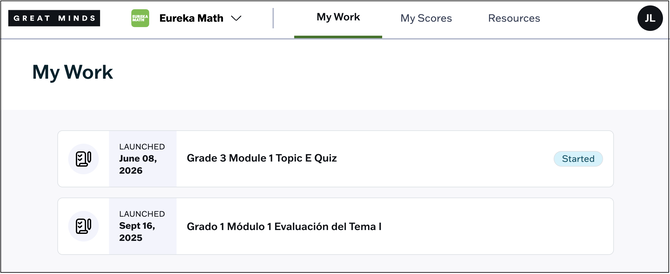
For more information on completing student work, see:
My Scores
In My Scores, students can access their scores from submitted assessments. Students can select an assessment review their overall score, item responses and scores, and any feedback from their teacher. See Review Scores and Feedback for more information.

Resources
In the Resources section, students can browse and access lesson resources and materials.
ℹ️ Availability of student-facing resources varies across Great Minds curricula.